Buy n4c.eu ?
We are moving the project
n4c.eu .
Are you interested in purchasing the domain
n4c.eu ?
domain@kv-gmbh.de · 0541-91531010
Buy n4c.eu ?
Why is TomTom not connecting?
TomTom may not be connecting due to several reasons. It could be a problem with the device's hardware, such as a faulty USB port or cable. It could also be a software issue, such as outdated drivers or a corrupted application. Additionally, connectivity problems could be caused by issues with the computer's operating system or settings. Troubleshooting steps such as checking the hardware connections, updating drivers, and restarting the device and computer may help resolve the issue. **
How do I install the voice for TomTom?
To install a new voice on your TomTom device, you will first need to connect your device to your computer using a USB cable. Then, go to the TomTom website and log in to your account. From there, you can browse and download new voices for your device. Once downloaded, follow the on-screen instructions to install the new voice onto your TomTom device. **


Similar search terms for TomTom
Top-Angebote
Products related to TomTom:
-
TomTom GO Discover 7" Sat Nav - Worldwide MapsThe TomTom GO Discover is a car sat nav with a 7-inch touchscreen and TomTom world maps. Live traffic information and speed camera alerts are delivered through a connected smartphone, and maps and software update over Wi-Fi without a computer.Supplied with a click-and-drive windscreen mount and in-car charger.273,99 £*Shipping: 0,00 £Secure redirect to the provider
-
Roger Hunt Old House Eco Handbook: A Practical Guide to Retrofitting for Energy Efficiency and SustainabilityDescription. Condition: Brand New. Format : Hardback. This practical and essential guide to retrofitting for energy efficiency seeks to provide answers to this and other questions homeowners of old houses are asking. Whether your house is medieval and timber-framed or a Georgian, Victorian or Edwardian terrace, it can be made more energy efficient and sustainable. This practical, comprehensive and fully illustrated handbook will show you how.. Title. Old House Eco Handbook: A Practical Guide to Retrofitting for Energy Efficiency and Sustainability. Delivery. Content. Reviews99,99 £*Shipping: 0,00 £Secure redirect to the provider


-
How long does the battery of TomTom last?
The battery life of a TomTom GPS device can vary depending on the model and usage. On average, most TomTom devices have a battery life of around 2-3 hours when fully charged. However, this can be extended by adjusting settings such as screen brightness and volume, as well as using power-saving modes. It is recommended to fully charge the device before use and consider using a car charger for longer journeys. **
-
"Does the TomTom navigation only start in Berlin?"
No, the TomTom navigation does not only start in Berlin. TomTom navigation is a global navigation system that can be used in various locations around the world. Users can input their desired destination and receive turn-by-turn directions regardless of their starting point. The TomTom navigation system is not limited to a specific city or region. **
-
Where can I find the TomTom activation code?
You can find the TomTom activation code on the product packaging or in the email confirmation if you purchased the product online. If you are unable to locate the activation code, you can contact TomTom customer support for assistance. **
-
How do I update my TomTom navigation system?
To update your TomTom navigation system, you can follow these steps: 1. Connect your TomTom device to your computer using a USB cable. 2. Open the TomTom Home software on your computer. 3. If you don't have TomTom Home installed, you can download it from the TomTom website. 4. Once connected, TomTom Home will automatically check for updates and prompt you to install them. 5. Follow the on-screen instructions to complete the update process. Alternatively, you can also update your TomTom navigation system by using the MyDrive Connect software, which is available for newer TomTom devices. Simply connect your device to your computer, open MyDrive Connect, and follow the on-screen instructions to check for and install updates. **

Why doesn't TomTom let me onto the highway?
TomTom may not be letting you onto the highway because it could be programmed to avoid highways or major roads in order to provide a more scenic or leisurely route. Additionally, there may be a setting in the TomTom device or app that is set to avoid highways, or there could be a traffic or road closure issue that is causing the device to reroute you away from the highway. It's also possible that there is a technical issue with the device or app that is preventing it from directing you onto the highway. **
How do I install the language voice for TomTom?
To install a new language voice for TomTom, you will need to connect your device to a computer and open the TomTom Home software. Once connected, navigate to the "Voices" section and select the language voice you want to install. Follow the on-screen instructions to complete the installation process. Once the new language voice is installed, you can select it from the settings menu on your TomTom device. **
Top-Angebote
Products related to TomTom:
-
TomTom VIA 62 Car Sat Nav - BlackDescription The TomTom Car Sat Nav VIA 62 provides route guidance through a 6-inch resistive screen. It is designed for drivers who want a portable sat nav with smartphone-connected traffic services, hands-free calling and map updates. TomTom Traffic uses traffic information to help intelligently plan routes around congestion. Free map updates can be downloaded with the latest road changes, while three months of speed camera alerts provide advance warnings when approaching a speed camera. Connecting the sat nav to a smartphone via Bluetooth enables traffic services, speed camera updates and MyDrive. The 6-inch display offers a clear interface for navigation, and the device supports MicroSD cards. USB is included among the components, while the compact 280 g design measures 16.2 x 2.4 x 10.5 cm. An essential addition for drivers seeking connected navigation and practical route guidance on the road.240,99 £*Shipping: 0,00 £Secure redirect to the provider
-
TomTom GO Discover 7" Sat Nav - Worldwide MapsThe TomTom GO Discover is a car sat nav with a 7-inch touchscreen and TomTom world maps. Live traffic information and speed camera alerts are delivered through a connected smartphone, and maps and software update over Wi-Fi without a computer.Supplied with a click-and-drive windscreen mount and in-car charger.273,99 £*Shipping: 0,00 £Secure redirect to the provider
-
Why is TomTom not connecting?
TomTom may not be connecting due to several reasons. It could be a problem with the device's hardware, such as a faulty USB port or cable. It could also be a software issue, such as outdated drivers or a corrupted application. Additionally, connectivity problems could be caused by issues with the computer's operating system or settings. Troubleshooting steps such as checking the hardware connections, updating drivers, and restarting the device and computer may help resolve the issue. **
-
How do I install the voice for TomTom?
To install a new voice on your TomTom device, you will first need to connect your device to your computer using a USB cable. Then, go to the TomTom website and log in to your account. From there, you can browse and download new voices for your device. Once downloaded, follow the on-screen instructions to install the new voice onto your TomTom device. **
-
How long does the battery of TomTom last?
The battery life of a TomTom GPS device can vary depending on the model and usage. On average, most TomTom devices have a battery life of around 2-3 hours when fully charged. However, this can be extended by adjusting settings such as screen brightness and volume, as well as using power-saving modes. It is recommended to fully charge the device before use and consider using a car charger for longer journeys. **
-
"Does the TomTom navigation only start in Berlin?"
No, the TomTom navigation does not only start in Berlin. TomTom navigation is a global navigation system that can be used in various locations around the world. Users can input their desired destination and receive turn-by-turn directions regardless of their starting point. The TomTom navigation system is not limited to a specific city or region. **
Similar search terms for TomTom
-
Roger Hunt Old House Eco Handbook: A Practical Guide to Retrofitting for Energy Efficiency and SustainabilityDescription. Condition: Brand New. Format : Hardback. This practical and essential guide to retrofitting for energy efficiency seeks to provide answers to this and other questions homeowners of old houses are asking. Whether your house is medieval and timber-framed or a Georgian, Victorian or Edwardian terrace, it can be made more energy efficient and sustainable. This practical, comprehensive and fully illustrated handbook will show you how.. Title. Old House Eco Handbook: A Practical Guide to Retrofitting for Energy Efficiency and Sustainability. Delivery. Content. Reviews99,99 £*Shipping: 0,00 £Secure redirect to the provider
-
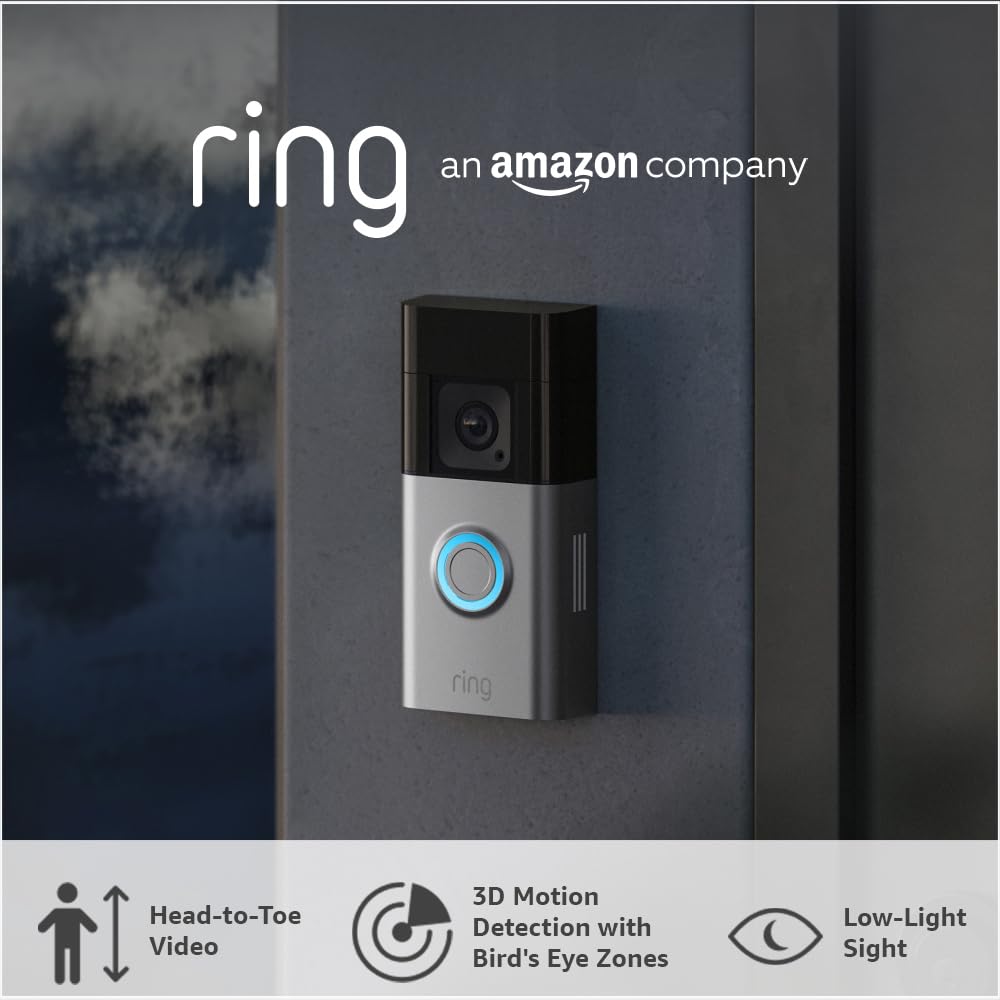
Ring Battery Video Doorbell Pro – Advanced Home Security & Connectivity, NewUpgrade your home security with the Ring Battery Video Doorbell Pro – Wireless Video Doorbell Security Camera. Designed to give you peace of mind, it delivers a head-to-toe 1536p HD view so you can see every detail clearly, from visitors to parcels at your doorstep. With advanced 3D Motion Detection and Bird’s Eye View, you’ll always know what’s happening around your home. The built-in colour night vision ensures crisp images even in the dark, while the wire-free battery design makes installation simple and flexible. Stay connected anywhere with instant notifications, two-way talk, and full integration with the Ring app, Alexa devices, and more. ✔️ Wireless video doorbell – Easy to install with a rechargeable battery, no wiring needed ✔️ 1536p HD head-to-toe view – See visitors and packages clearly in high definition ✔️ 3D Motion Detection & Bird’s Eye View – Advanced alerts and aerial perspective for extra security ✔️ Colour night vision – Crystal-clear video even in low light or darkness ✔️ Two-way talk with noise cancellation – Hear and speak to visitors in real time ✔️ Customisable motion zones – Focus on the areas that matter most ✔️ Smart alerts & notifications – Instant updates on your phone via the Ring app ✔️ Alexa compatible – Works seamlessly with Echo devices for hands-free monitoring ✔️ Quick-release battery pack – Easy to recharge and swap for uninterrupted security ✔️ Durable design – Built to withstand outdoor weather conditions The Ring Battery Video Doorbell Pro combines advanced motion detection, high-definition video, and smart home integration in one sleek device. Perfect for enhancing your home security, it ensures you never miss a visitor or delivery, day or night.174,49 £*Shipping: 0,00 £Secure redirect to the provider
-
Thunderworks Games Tenpenny Parks Innovation Expansion - Strategic Park ManagementTake your Tenpenny Parks experience further with the Innovation expansion from Thunderworks Games. Develop new ideas for your park, recruit additional specialists, and introduce exciting novelties that can change the way you plan and build. This expansion adds fresh strategic options to the park-management gameplay of Tenpenny Parks. Use research to improve your development plans, bring new specialists into your team, and create more distinctive attractions as you compete to shape a successful park. What’s included: Key features: - New innovation-focused content for Tenpenny Parks - Additional specialists to support your plans - New research and novelty options - More strategic choices during development Please note: This is an expansion and requires the Tenpenny Parks base game to play. It is suitable for players who want to add variety and further strategic depth to their existing game.35,99 £*Shipping: 3,95 £Secure redirect to the provider
-
Where can I find the TomTom activation code?
You can find the TomTom activation code on the product packaging or in the email confirmation if you purchased the product online. If you are unable to locate the activation code, you can contact TomTom customer support for assistance. **
-
How do I update my TomTom navigation system?
To update your TomTom navigation system, you can follow these steps: 1. Connect your TomTom device to your computer using a USB cable. 2. Open the TomTom Home software on your computer. 3. If you don't have TomTom Home installed, you can download it from the TomTom website. 4. Once connected, TomTom Home will automatically check for updates and prompt you to install them. 5. Follow the on-screen instructions to complete the update process. Alternatively, you can also update your TomTom navigation system by using the MyDrive Connect software, which is available for newer TomTom devices. Simply connect your device to your computer, open MyDrive Connect, and follow the on-screen instructions to check for and install updates. **
-
Why doesn't TomTom let me onto the highway?
TomTom may not be letting you onto the highway because it could be programmed to avoid highways or major roads in order to provide a more scenic or leisurely route. Additionally, there may be a setting in the TomTom device or app that is set to avoid highways, or there could be a traffic or road closure issue that is causing the device to reroute you away from the highway. It's also possible that there is a technical issue with the device or app that is preventing it from directing you onto the highway. **
-
How do I install the language voice for TomTom?
To install a new language voice for TomTom, you will need to connect your device to a computer and open the TomTom Home software. Once connected, navigate to the "Voices" section and select the language voice you want to install. Follow the on-screen instructions to complete the installation process. Once the new language voice is installed, you can select it from the settings menu on your TomTom device. **
* All prices are inclusive of VAT and, if applicable, plus shipping costs. The offer information is based on the details provided by the respective shop and is updated through automated processes. Real-time updates do not occur, so deviations can occur in individual cases. ** Note: Parts of this content were created by AI.