Buy n4c.eu ?
We are moving the project
n4c.eu .
Are you interested in purchasing the domain
n4c.eu ?
domain@kv-gmbh.de · 0541-91531010
Buy n4c.eu ?
Is this a shortcut?
Yes, this is a shortcut. It is a quicker and more direct way to reach a destination or complete a task. Shortcuts are often used to save time and effort. **
How do I create a shortcut from the desktop to a regular shortcut?
To create a shortcut from the desktop to a regular shortcut, you can simply right-click on the regular shortcut you want to create a shortcut for. Then, select "Create shortcut" from the dropdown menu. This will create a new shortcut on the desktop that links to the original shortcut. You can then rename the new shortcut to distinguish it from the original one. **


Similar search terms for Shortcut
Top-Angebote
Products related to Shortcut:
-
Thunderworks Games Tenpenny Parks Innovation Expansion - Strategic Park ManagementTake your Tenpenny Parks experience further with the Innovation expansion from Thunderworks Games. Develop new ideas for your park, recruit additional specialists, and introduce exciting novelties that can change the way you plan and build. This expansion adds fresh strategic options to the park-management gameplay of Tenpenny Parks. Use research to improve your development plans, bring new specialists into your team, and create more distinctive attractions as you compete to shape a successful park. What’s included: Key features: - New innovation-focused content for Tenpenny Parks - Additional specialists to support your plans - New research and novelty options - More strategic choices during development Please note: This is an expansion and requires the Tenpenny Parks base game to play. It is suitable for players who want to add variety and further strategic depth to their existing game.35,99 £*Shipping: 3,95 £Secure redirect to the provider
-
Loungefly Care Bears x Sesame Street Crossbody Bag - Official Collaboration - Character Artwork - Compact CarryDiscover the Loungefly Care Bears x Sesame Street Crossbody Bag, a playful and collectible accessory designed for fans who want a compact way to carry their essentials. This official Loungefly crossbody bag features the Care Bears x Sesame Street design, with colorful artwork highlighting beloved Care Bears and Sesame Street characters across the exterior. The crossbody design offers a hands-free carrying option ideal for everyday outings, events, or themed gatherings. Perfect for fans and collectors, this crossbody bag lets you show your fandom while keeping your daily essentials secure and within easy reach. Its playful design pairs well with a range of outfits, making it a practical collectible that adds personality to both casual looks and convention outfits. A great accessory for fans of both Care Bears and Sesame Street.75,00 £*Shipping: 0,00 £Secure redirect to the provider
-
Care Bears Hufflepuff House Hoodie Plush 30cm - Official Harry Potter Collaboration - Soft Plush ToyMeet the Care Bears - 30cm Harry Potter Hufflepuff House Hoodie Plush, an official collaboration from Lennies Toys. This premium crossover brings the comforting whimsy of Care Bears together with the magic of Hogwarts to celebrate 25 years of the Harry Potter series. It’s a larger, more detailed plush that sits charmingly on a shelf and provides a comforting companion during bedtime adventures. Official Care Bears x Harry Potter collaboration with authentic design. The plush features a Hufflepuff House robe, scarf, crest details, and a badger mascot hoodie for instant house pride. Love-A-Lot Bear represents kindness, loyalty, and compassion inspired by Hufflepuff values, complete with a dual hearts belly badge and a paw featuring the Harry Potter 25th Anniversary logo. The plush is made from premium, soft fabrics designed for gentle play and long-lasting comfort. This plush is perfect for fans who want a tangible piece of both magical worlds.16,99 £*Shipping: 3,95 £Secure redirect to the provider
-
Uplifted Finds 40 Pack High Efficiency Replacement Filters 40 Pack High Efficiency Replacement FiltersEnsure your pet always has access to clinicalgrade water with this 40Pack Filter and Sponge Set. Engineered for highcapacity 67oz (2L) and 108oz (3.2L) stainless steel fountains, this bulk kit provides a comprehensive solution for longterm water...73,97 $*Shipping: 0,00 $Secure redirect to the provider


-
Which shortcut should I create?
To determine which shortcut to create, consider the task or action that you frequently perform and would like to streamline. For example, if you often need to open a specific program or file, you could create a desktop shortcut for quick access. If you frequently use a particular website, you could create a browser bookmark for easy navigation. Additionally, you could create keyboard shortcuts for commonly used commands or actions within a specific program to improve efficiency. Ultimately, the shortcut you create should be tailored to your specific needs and workflow. **
-
How do I delete a shortcut?
To delete a shortcut on a computer, you can simply right-click on the shortcut icon and select "Delete" from the dropdown menu. On a mobile device, press and hold the shortcut icon until a menu appears, then select the option to delete or remove the shortcut. Make sure to confirm the deletion if prompted. **
-
Which shortcut was that again, Blender?
The shortcut in Blender that was mentioned is the "G" key. This shortcut allows you to grab and move selected objects in the 3D viewport. By pressing the "G" key followed by a specific axis (X, Y, or Z), you can constrain the movement along that axis. This shortcut is commonly used for quickly repositioning objects within a scene. **
-
Is Robin Hood just a shortcut?
No, Robin Hood is not just a shortcut. He is a legendary figure known for his bravery and selflessness in stealing from the rich to give to the poor. His story has been passed down through generations as a symbol of justice and standing up for the oppressed. While the concept of taking from the rich and giving to the poor can be seen as a shortcut to addressing social inequality, the character of Robin Hood represents a deeper moral and ethical stance against exploitation and injustice. **

How can I change the file type of an internet shortcut to a shortcut file type?
To change the file type of an internet shortcut to a shortcut file type, you can simply rename the file extension. Internet shortcuts typically have a .url extension, while shortcut files have a .lnk extension. Right-click on the internet shortcut file, select "Rename," and change the file extension from .url to .lnk. This will convert the file type from an internet shortcut to a shortcut file type. **
How can I check the keyboard shortcut?
To check the keyboard shortcut for a specific action on your computer, you can usually find it listed in the menu next to the action itself. Look for underlined letters in the menu options, as they often indicate a keyboard shortcut. Additionally, you can check the settings or preferences of the program you are using to see a list of all available keyboard shortcuts. Lastly, you can search online for a list of common keyboard shortcuts for your operating system or software application. **
Top-Angebote
Products related to Shortcut:
-
Fourth Estate Thinking Better: The Art of the Shortcut - Non Fiction - PaperbackTitle:. Thinking Better: The Art of the Shortcut Format: Paperback Overview:. Thinking Better offers a practical toolkit for turning complexity into clarity. Marcus du Sautoy threads mathematics, everyday problem-solving, and lively thought experiments into an accessible guide to quick, confident thinking. The book champions the idea that you don't need to solve every problem from scratch; you can lean on proven shortcuts—carefully chosen rules-of-thumb, heuristics, and mental models—that speed learning and decision-making while preserving accuracy. Through short, punchy chapters, readers encounter real-world scenarios, bite-sized insights, and puzzles that illustrate how a seemingly difficult challenge can be approached from multiple angles before you attempt a full solution. The tone is inviting rather than intimidating, making it ideal for busy professionals, students, and curious minds who want better results in less time. If you’ve ever wished for faster, smarter thinking in your day-to-day life, this paperback guides you step by step toward that goal. It’s non-fiction that reads like a conversation with a thoughtful mentor.. Drawing on puzzles and conundrums to illuminate how shortcuts yield quick insights, the book invites you to test ideas in practical, memorable ways. What Makes This Book Stand Out:. What makes Thinking Better distinctive is its seamless fusion of math-inspired rigor with everyday pragmatism. The author translates abstract ideas into concrete strategies you can apply at work, in study, and at home, without requiring advanced mathematics. Each chapter offers a compact argument, a memorable shortcut, and a quick exercise to cement understanding, so you can build a personal shelf of reliable mental tools. The book’s strength lies in accessibility: complex concepts are explained with clarity, warmth, and just the right amount of curiosity to spark a reader’s own sense of wonder. Puzzles and bite-sized demonstrations reinforce learning, turning cognitive shortcuts into repeatable habits. This is not a dry manual but a friendly invitation to think with greater speed, precision, and confidence. It stands out in non-fiction for readers who want tangible takeaways they can reuse immediately. Who This Book Is Perfect For:. This is a must-read for curious lifelong learners, students facing complex topics, and professionals seeking sharper, faster decision-making. It suits readers who enjoy accessible non-fiction that demystifies mathematics, cognitive science, and problem solving. Teachers and tutors can use its bite-sized exercises as quick classroom activities, while knowledge workers and creatives will appreciate practical frameworks to streamline thinking under pressure. If you’re the type who loves a good puzzle and wants a reliable arsenal of mental shortcuts to apply across projects, meetings, and everyday choices, Thinking Better is the ideal companion. It also makes a thoughtful gift for graduates, colleagues, or any...9,99 £*Shipping: 2,99 £Secure redirect to the provider
-
Roger Hunt Old House Eco Handbook: A Practical Guide to Retrofitting for Energy Efficiency and SustainabilityDescription. Condition: Brand New. Format : Hardback. This practical and essential guide to retrofitting for energy efficiency seeks to provide answers to this and other questions homeowners of old houses are asking. Whether your house is medieval and timber-framed or a Georgian, Victorian or Edwardian terrace, it can be made more energy efficient and sustainable. This practical, comprehensive and fully illustrated handbook will show you how.. Title. Old House Eco Handbook: A Practical Guide to Retrofitting for Energy Efficiency and Sustainability. Delivery. Content. Reviews99,99 £*Shipping: 0,00 £Secure redirect to the provider
-
Thunderworks Games Tenpenny Parks Innovation Expansion - Strategic Park ManagementTake your Tenpenny Parks experience further with the Innovation expansion from Thunderworks Games. Develop new ideas for your park, recruit additional specialists, and introduce exciting novelties that can change the way you plan and build. This expansion adds fresh strategic options to the park-management gameplay of Tenpenny Parks. Use research to improve your development plans, bring new specialists into your team, and create more distinctive attractions as you compete to shape a successful park. What’s included: Key features: - New innovation-focused content for Tenpenny Parks - Additional specialists to support your plans - New research and novelty options - More strategic choices during development Please note: This is an expansion and requires the Tenpenny Parks base game to play. It is suitable for players who want to add variety and further strategic depth to their existing game.35,99 £*Shipping: 3,95 £Secure redirect to the provider
-
Loungefly Care Bears x Sesame Street Crossbody Bag - Official Collaboration - Character Artwork - Compact CarryDiscover the Loungefly Care Bears x Sesame Street Crossbody Bag, a playful and collectible accessory designed for fans who want a compact way to carry their essentials. This official Loungefly crossbody bag features the Care Bears x Sesame Street design, with colorful artwork highlighting beloved Care Bears and Sesame Street characters across the exterior. The crossbody design offers a hands-free carrying option ideal for everyday outings, events, or themed gatherings. Perfect for fans and collectors, this crossbody bag lets you show your fandom while keeping your daily essentials secure and within easy reach. Its playful design pairs well with a range of outfits, making it a practical collectible that adds personality to both casual looks and convention outfits. A great accessory for fans of both Care Bears and Sesame Street.75,00 £*Shipping: 0,00 £Secure redirect to the provider
-
Is this a shortcut?
Yes, this is a shortcut. It is a quicker and more direct way to reach a destination or complete a task. Shortcuts are often used to save time and effort. **
-
How do I create a shortcut from the desktop to a regular shortcut?
To create a shortcut from the desktop to a regular shortcut, you can simply right-click on the regular shortcut you want to create a shortcut for. Then, select "Create shortcut" from the dropdown menu. This will create a new shortcut on the desktop that links to the original shortcut. You can then rename the new shortcut to distinguish it from the original one. **
-
Which shortcut should I create?
To determine which shortcut to create, consider the task or action that you frequently perform and would like to streamline. For example, if you often need to open a specific program or file, you could create a desktop shortcut for quick access. If you frequently use a particular website, you could create a browser bookmark for easy navigation. Additionally, you could create keyboard shortcuts for commonly used commands or actions within a specific program to improve efficiency. Ultimately, the shortcut you create should be tailored to your specific needs and workflow. **
-
How do I delete a shortcut?
To delete a shortcut on a computer, you can simply right-click on the shortcut icon and select "Delete" from the dropdown menu. On a mobile device, press and hold the shortcut icon until a menu appears, then select the option to delete or remove the shortcut. Make sure to confirm the deletion if prompted. **
Similar search terms for Shortcut
-
Care Bears Hufflepuff House Hoodie Plush 30cm - Official Harry Potter Collaboration - Soft Plush ToyMeet the Care Bears - 30cm Harry Potter Hufflepuff House Hoodie Plush, an official collaboration from Lennies Toys. This premium crossover brings the comforting whimsy of Care Bears together with the magic of Hogwarts to celebrate 25 years of the Harry Potter series. It’s a larger, more detailed plush that sits charmingly on a shelf and provides a comforting companion during bedtime adventures. Official Care Bears x Harry Potter collaboration with authentic design. The plush features a Hufflepuff House robe, scarf, crest details, and a badger mascot hoodie for instant house pride. Love-A-Lot Bear represents kindness, loyalty, and compassion inspired by Hufflepuff values, complete with a dual hearts belly badge and a paw featuring the Harry Potter 25th Anniversary logo. The plush is made from premium, soft fabrics designed for gentle play and long-lasting comfort. This plush is perfect for fans who want a tangible piece of both magical worlds.16,99 £*Shipping: 3,95 £Secure redirect to the provider
-
Uplifted Finds 40 Pack High Efficiency Replacement Filters 40 Pack High Efficiency Replacement FiltersEnsure your pet always has access to clinicalgrade water with this 40Pack Filter and Sponge Set. Engineered for highcapacity 67oz (2L) and 108oz (3.2L) stainless steel fountains, this bulk kit provides a comprehensive solution for longterm water...73,97 $*Shipping: 0,00 $Secure redirect to the provider
-
Uplift Essentials High Efficiency Non Stick Camping Skillet High Efficiency Non Stick Camping SkilletUpgrade your trailside cooking with this highperformance Nonstick Camping Frying Pan. Engineered for the weightconscious hiker, this outdoor hiking skillet combines a premium stickfree surface with a rugged, ultralight build. Whether you are searing...128,97 $*Shipping: 0,00 $Secure redirect to the provider
-
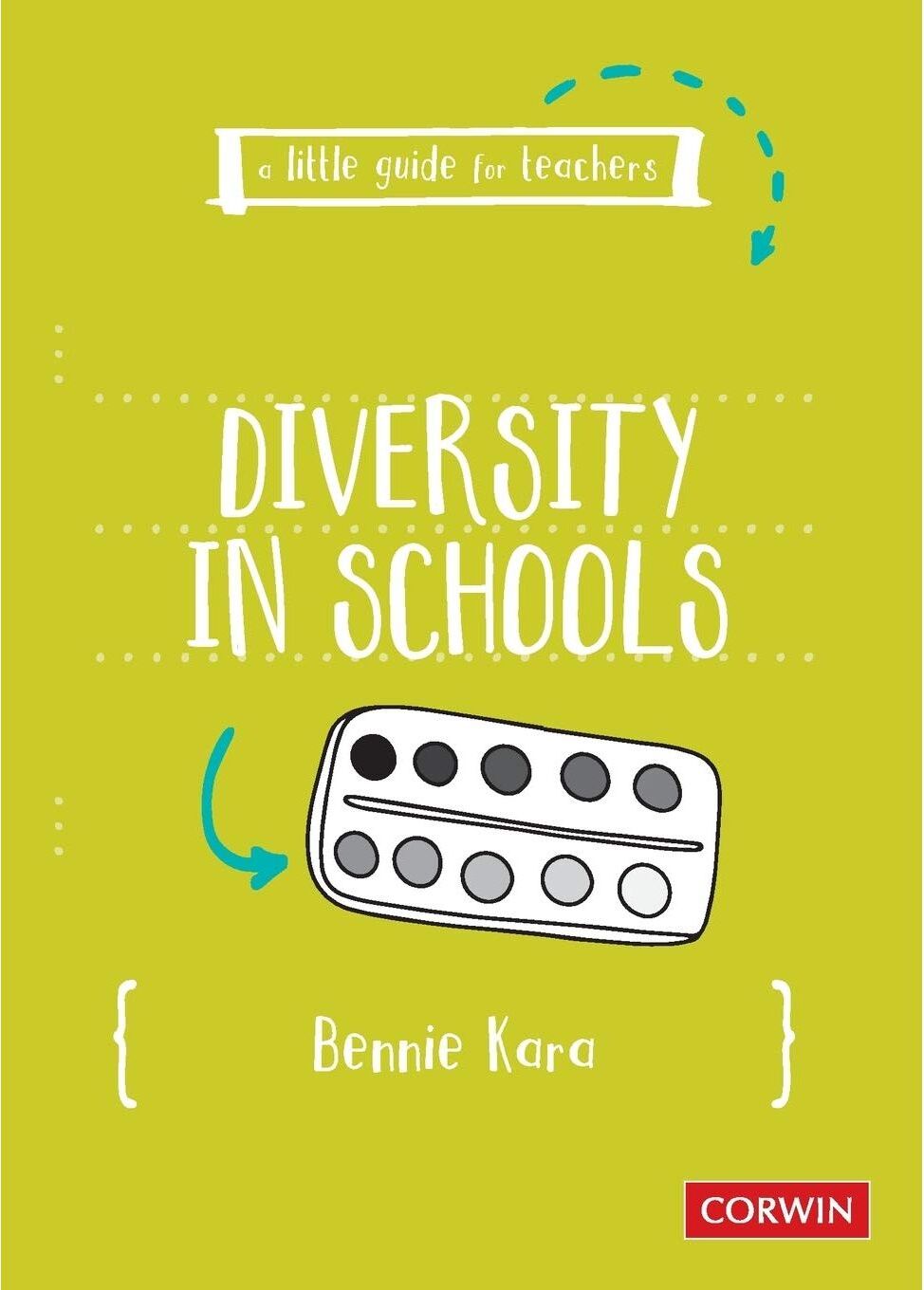
SAGE Publications A Little Guide for Teachers: Diversity in Schools (A Little Guide for Teachers)A Little Guide for Teachers: Diversity in Schools aims to provide starting points for teachers and leaders in creating a curriculum, either across disciplines or within subjects, that is as deep and diverse as their students. The Little Guide for Teachers series is little in size but BIG on all the support and inspiration you need to navigate your day to day life as a teacher. · Authored by experts in the field · Easy to dip in-and-out of · Interactive activities encourage you to write into the book and make it your own · Fun engaging illustrations throughout · Read in an afternoon or take as long as you like with it!12,99 £*Shipping: 2,99 £Secure redirect to the provider
-
Which shortcut was that again, Blender?
The shortcut in Blender that was mentioned is the "G" key. This shortcut allows you to grab and move selected objects in the 3D viewport. By pressing the "G" key followed by a specific axis (X, Y, or Z), you can constrain the movement along that axis. This shortcut is commonly used for quickly repositioning objects within a scene. **
-
Is Robin Hood just a shortcut?
No, Robin Hood is not just a shortcut. He is a legendary figure known for his bravery and selflessness in stealing from the rich to give to the poor. His story has been passed down through generations as a symbol of justice and standing up for the oppressed. While the concept of taking from the rich and giving to the poor can be seen as a shortcut to addressing social inequality, the character of Robin Hood represents a deeper moral and ethical stance against exploitation and injustice. **
-
How can I change the file type of an internet shortcut to a shortcut file type?
To change the file type of an internet shortcut to a shortcut file type, you can simply rename the file extension. Internet shortcuts typically have a .url extension, while shortcut files have a .lnk extension. Right-click on the internet shortcut file, select "Rename," and change the file extension from .url to .lnk. This will convert the file type from an internet shortcut to a shortcut file type. **
-
How can I check the keyboard shortcut?
To check the keyboard shortcut for a specific action on your computer, you can usually find it listed in the menu next to the action itself. Look for underlined letters in the menu options, as they often indicate a keyboard shortcut. Additionally, you can check the settings or preferences of the program you are using to see a list of all available keyboard shortcuts. Lastly, you can search online for a list of common keyboard shortcuts for your operating system or software application. **
* All prices are inclusive of VAT and, if applicable, plus shipping costs. The offer information is based on the details provided by the respective shop and is updated through automated processes. Real-time updates do not occur, so deviations can occur in individual cases. ** Note: Parts of this content were created by AI.